Yunori
- Status
- Live
- Version
- v0.13.1
- Licence
- AGPL-3.0
- Price
- Free while in build
- Runs on
- Web, Windows and Linux
- Website
- yunori.email
People who run their life or work across several mailboxes end up tab-switching between webmail built for the provider's engagement, not for clearing the inbox. The usual fix asks for a new address and a move to one provider. Yunori is a client, so your mail stays where it is and you keep your address.
What it looks like.
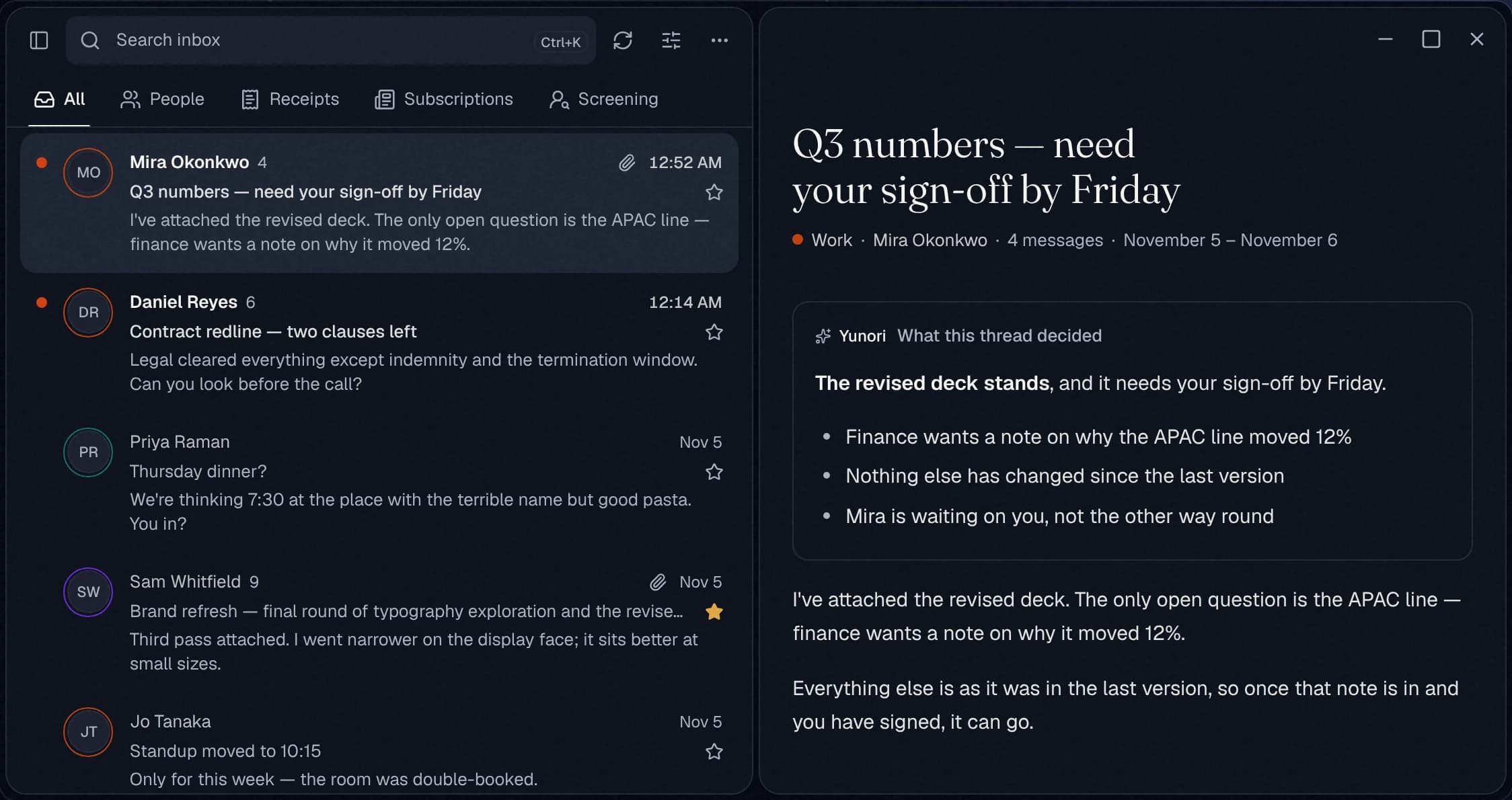
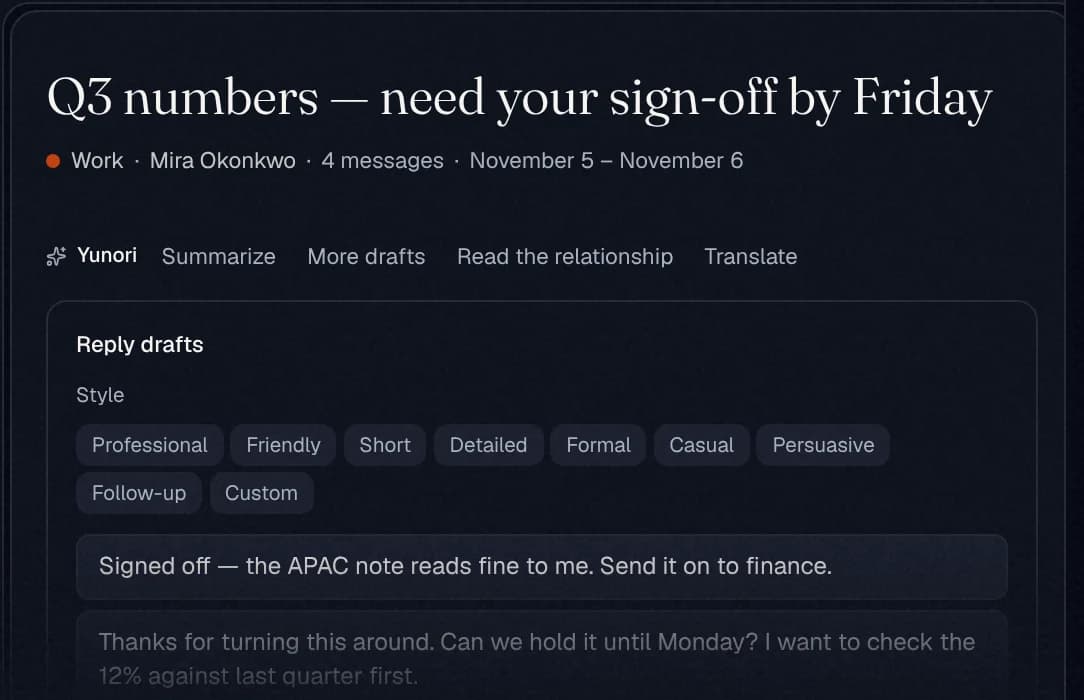
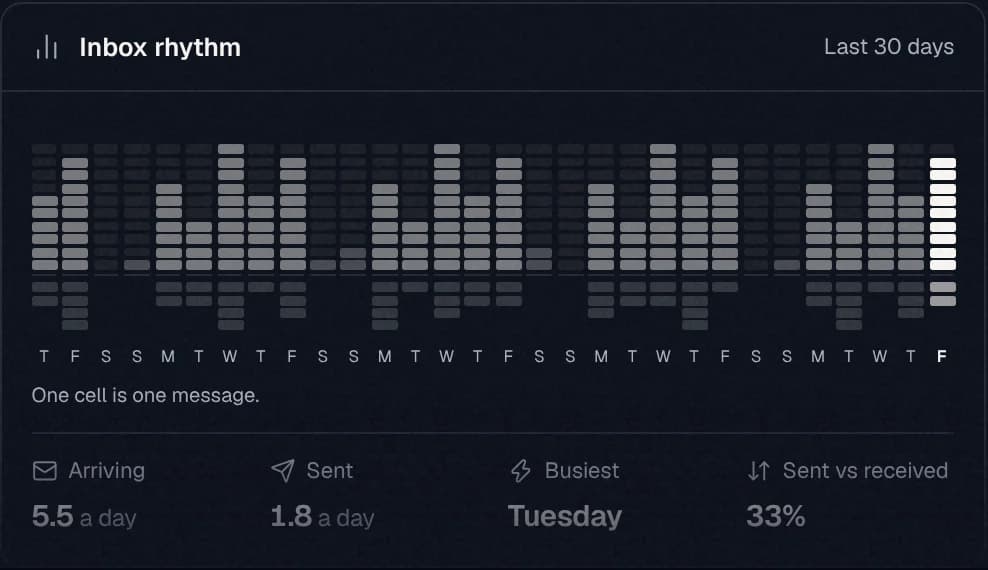
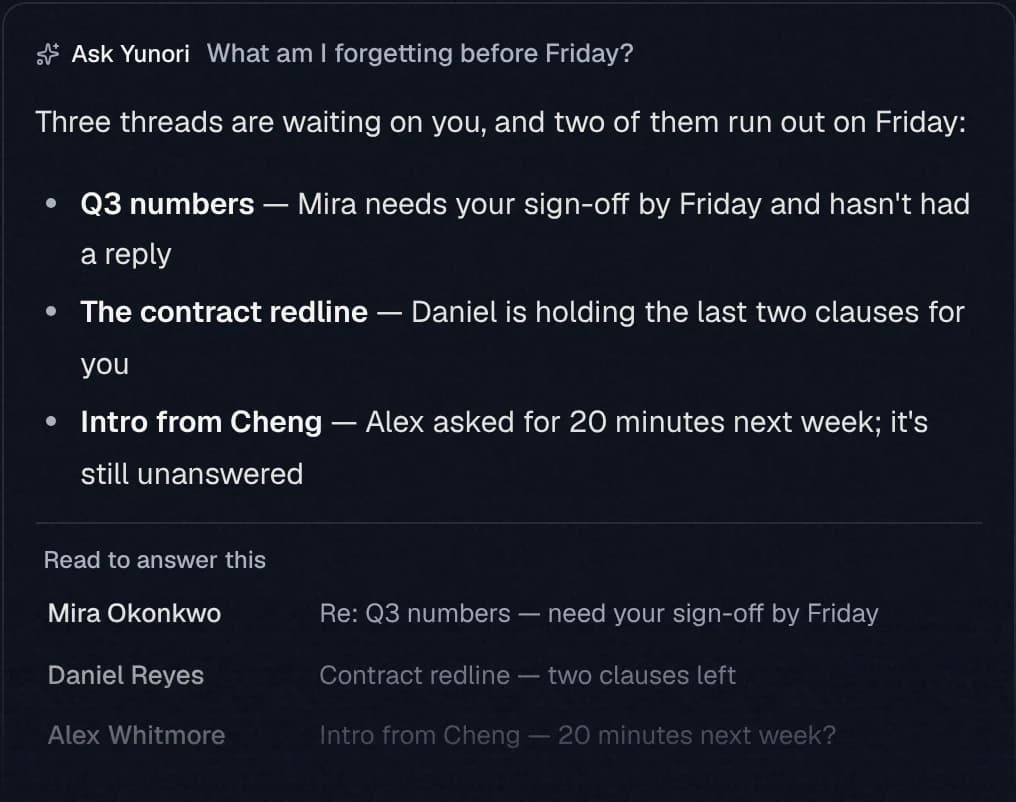
Captured from yunori.email, which draws the app’s own parts with made-up mail. The people, messages and numbers are fictional.
What Yunori does.
Every address, one list
Gmail, Google Workspace, iCloud, Zoho, Fastmail, any IMAP server or your own domain, newest first. Each row keeps its mailbox’s colour.
Sorted before you open it
People, Receipts, Subscriptions and Screening are one tab away. Say yes or no to a first-time sender once, and Yunori remembers.
Replies from the right address
An answer leaves from the mailbox it came to, on that mailbox’s own connection. Nobody ever sees a Yunori address.
The gist, when you ask
A long conversation comes down to what was decided and what is owed.
Replies in your voice
Drafts written to the message, in your tone and with your sign-off. Nothing it writes leaves until you press Send.
Ask your inbox
Plain questions answered across every mailbox, with the messages it read listed underneath so you can check.
One switch
Turn Yunori AI off and every AI feature is gone from the app, not greyed out. The mail client keeps working.
A desktop app
Windows and Linux, with notifications, the tray and mail that stays readable offline. Signed in, or with no account and your passwords in the system keychain.
Send through your provider
Send from addresses no mailbox stands behind, through Resend, Amazon SES, ZeptoMail, Postmark, Mailgun, SendGrid or SMTP, with SPF, DKIM and DMARC checked.
Inboxes for AI agents
Agent Mail gives an agent a real address with an API, signed webhooks and an MCP server. Its sends wait for a person’s approval.
From your own mail to the first reply.
Yunori is an email app in the Thunderbird tradition: a client, not a provider. You connect the mailboxes you already have and read them all in one list. Your mail stays with your provider, and you keep your address.
- 01
Connect each mailbox once. Yunori works out the settings from the address and signs in to prove they work.
- 02
Everything falls into one list, newest first, each row in its mailbox’s colour.
- 03
It is sorted before you open it: People, Receipts, Subscriptions and Screening.
- 04
Reply, and it leaves from the mailbox it came to, on that mailbox’s own connection.
It is live at yunori.email and free while we build it: no card, no new address, and a full export whenever you leave. Try it with one real mailbox for 30 minutes and no account, or install the desktop app for Windows or Linux. It was called Tori until October 2026.
Under the hood.
What it keeps
No full copies of the mail you receive. Message text and attachments stay with your provider and are fetched when you open a message; the server keeps the headers and a preview of up to 160 characters so the list loads fast. Mailbox passwords are AES-256-GCM encrypted and write-only. The one exception is an inbox made for an AI agent, where Yunori is the provider.
Mail is never sold and never used as training data. While Yunori AI is on, the messages it works on go to Google Gemini. Export everything as JSON from Settings, and deletion runs on a 30-day grace window.
Built for mail from strangers
Remote images and tracking pixels wait for your go-ahead, and message HTML is sanitised before it renders. Every mail server you enter is checked first, and one that points at a private or internal address is refused. A message that failed DMARC is flagged above its attachments.
Two-step sign-in works with any authenticator app, and changing your password signs out every other session at once.